How-To Guides
How to Measure a Computer Monitor's Screen Size
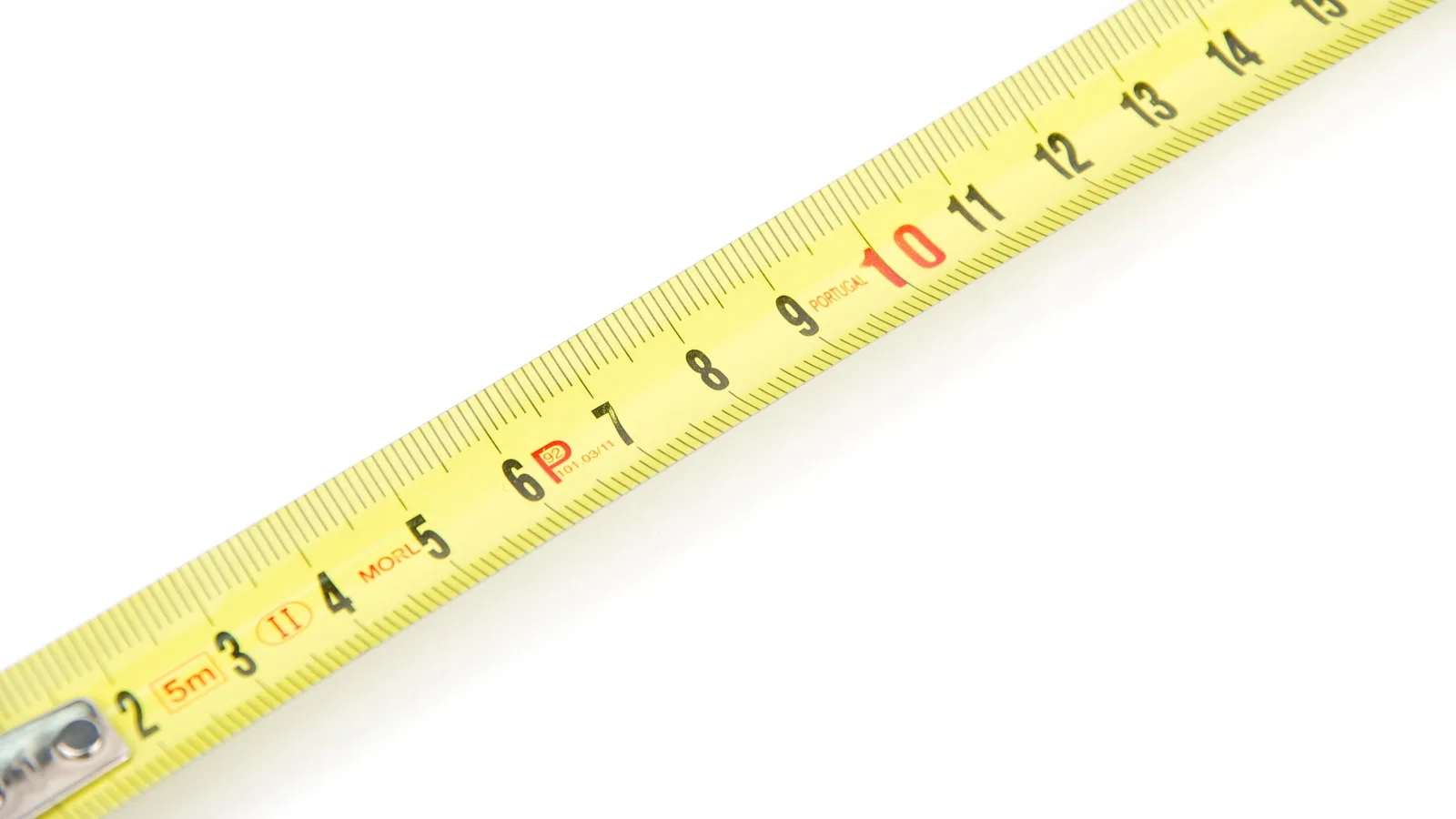
Measure a computer monitor’s screen size correctly: use the viewable diagonal, ignore the bezel and convert centimetres to inches without guessing.
Measure a computer monitor’s screen size correctly: use the viewable diagonal, ignore the bezel and convert centimetres to inches without guessing.
Brightness controls for laptops and external monitors, how to set a level that suits your room, and fixes when the slider does nothing.
A practical guide to removing dust, fingerprints and smudges from camera lenses without damaging coatings, including what to use and what to avoid.
A step-by-step guide to connecting a laptop to a desktop monitor: checking ports, choosing the right cable, setting up the display and fixing faults.
Two monitors on one laptop is usually a cable and a setting away. Check your ports, pick the right adapter or dock, then set the screens up properly.
Practical guide to shooting the aurora: settings that work, focusing in the dark, planning a clear night, and fixing blurry or noisy results.
Step-by-step guide to rebooting a Samsung Galaxy tablet: normal restart, forced restart when it freezes, safe mode and clearing the cache.
Learn how to take a screenshot on an iPad or Android tablet, with the right button combos, gestures, editing tips and fixes for common problems.
Take a screenshot on any computer: the exact Windows, macOS and Chromebook key combos, where the file lands, and fixes when nothing happens.
Learn how to take a screenshot on an HP laptop using Print Screen, Windows shortcuts and the Snipping Tool, plus where files are saved.
Every way to take a screenshot on a Samsung Galaxy tablet — buttons, palm swipe, S Pen, scroll capture — plus fixes when one won't work.
Turn a monitor upside down properly: flip the image 180° in Windows, macOS or Linux, or rotate the panel on its stand or VESA arm, safely.